Best IPTV for Firestick in 2026 – Ultimate Setup & Streaming Guide
🔥 Best IPTV for Firestick in 2026 – Complete Installation Guide
Looking for the best IPTV for Firestick in 2026? You’re in the right place.
Amazon Firestick remains one of the most popular streaming devices worldwide. When combined with a reliable IPTV service, it transforms your TV into a powerful entertainment hub with live TV, sports, movies, and international channels.
In this complete guide, we’ll show you:
How to install IPTV on Firestick
Best IPTV apps for Fire TV
Recommended settings for smooth streaming
Expert tips to avoid buffering
How to choose the right IPTV subscription
Let’s get started.
Why Use IPTV on Firestick?
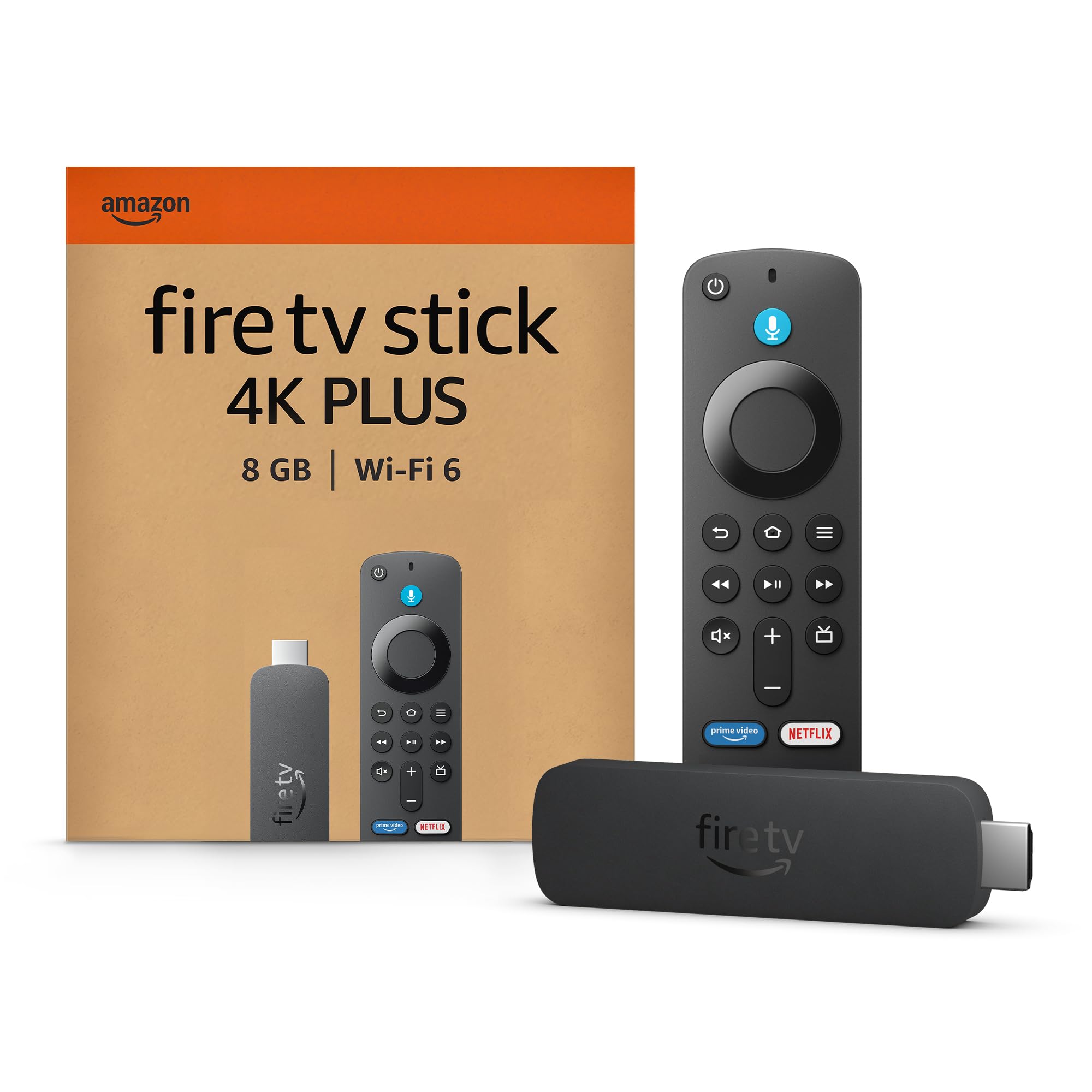
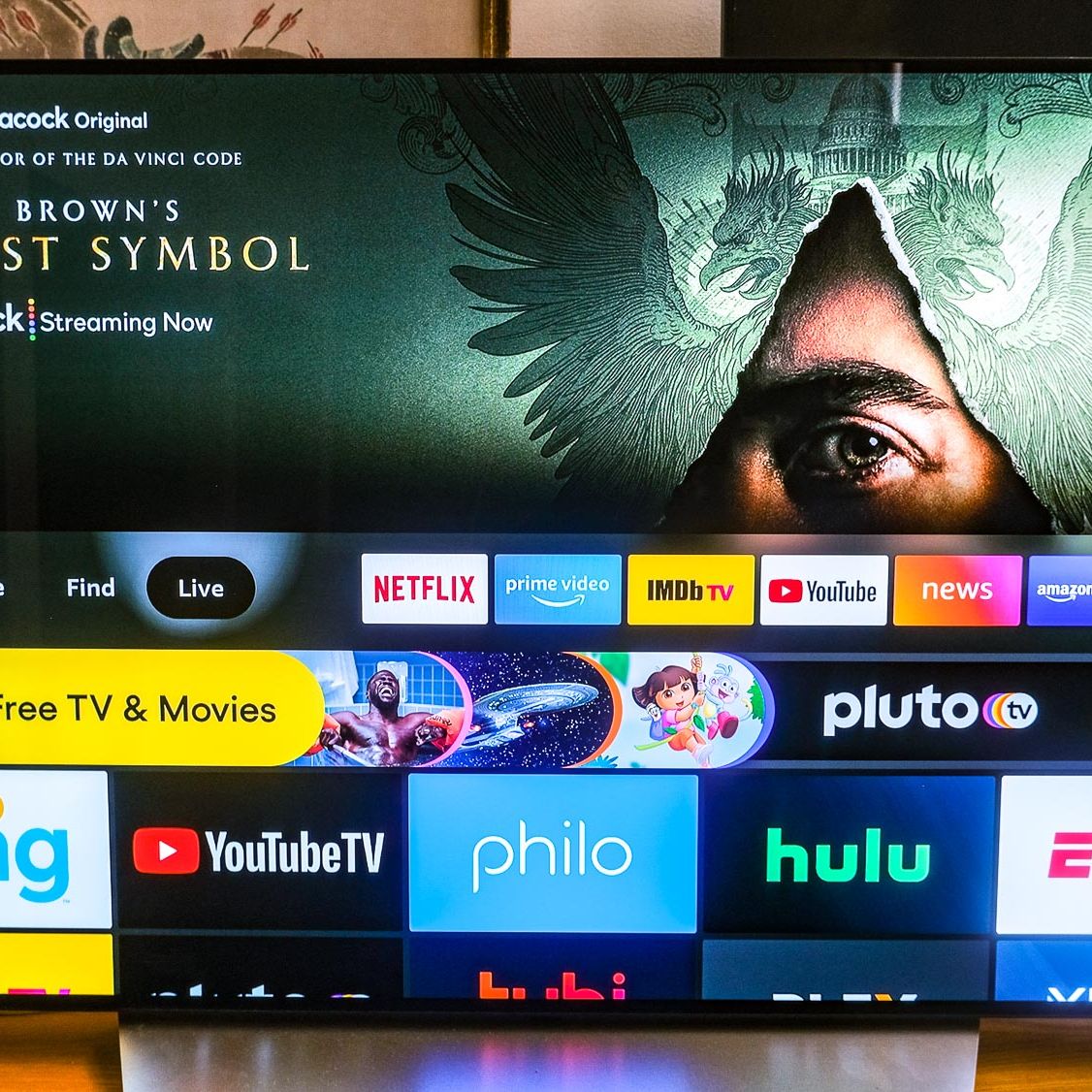
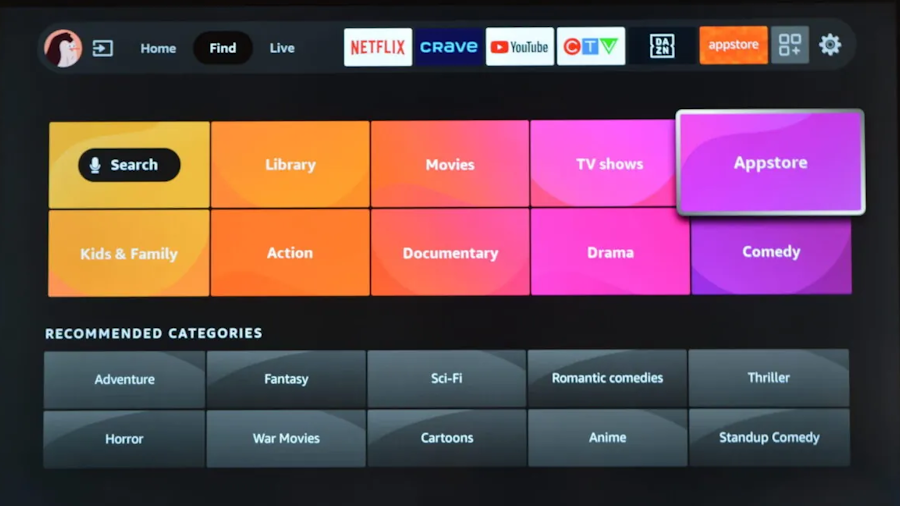
Firestick is affordable, portable, and easy to use. When paired with IPTV, it allows you to:
✔ Stream live TV channels
✔ Watch sports & PPV events
✔ Access international content
✔ Enjoy VOD movies & TV shows
✔ Stream in HD, Full HD & 4K
Unlike traditional cable, IPTV gives you more flexibility and often better pricing.
Best IPTV Apps for Firestick (2026)
Choosing the right IPTV player is essential. Below are the most reliable IPTV apps for Firestick this year.
1️⃣ IPTV Smarters Pro – Most Popular Choice
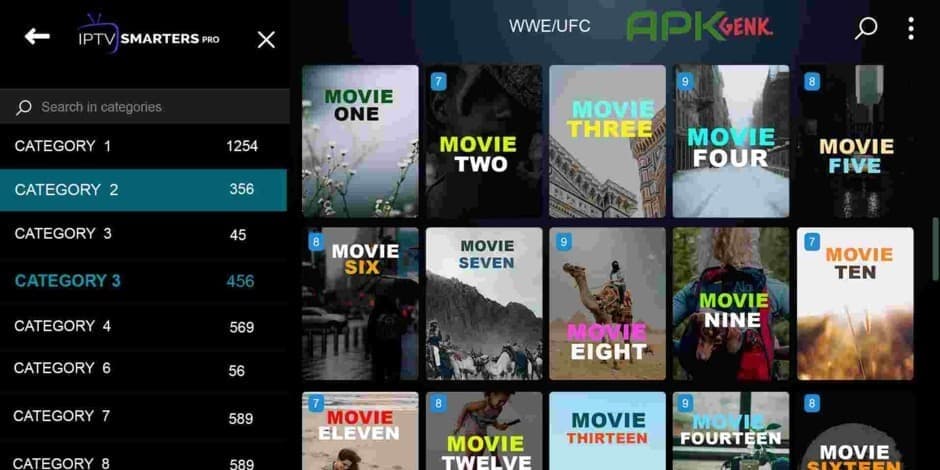
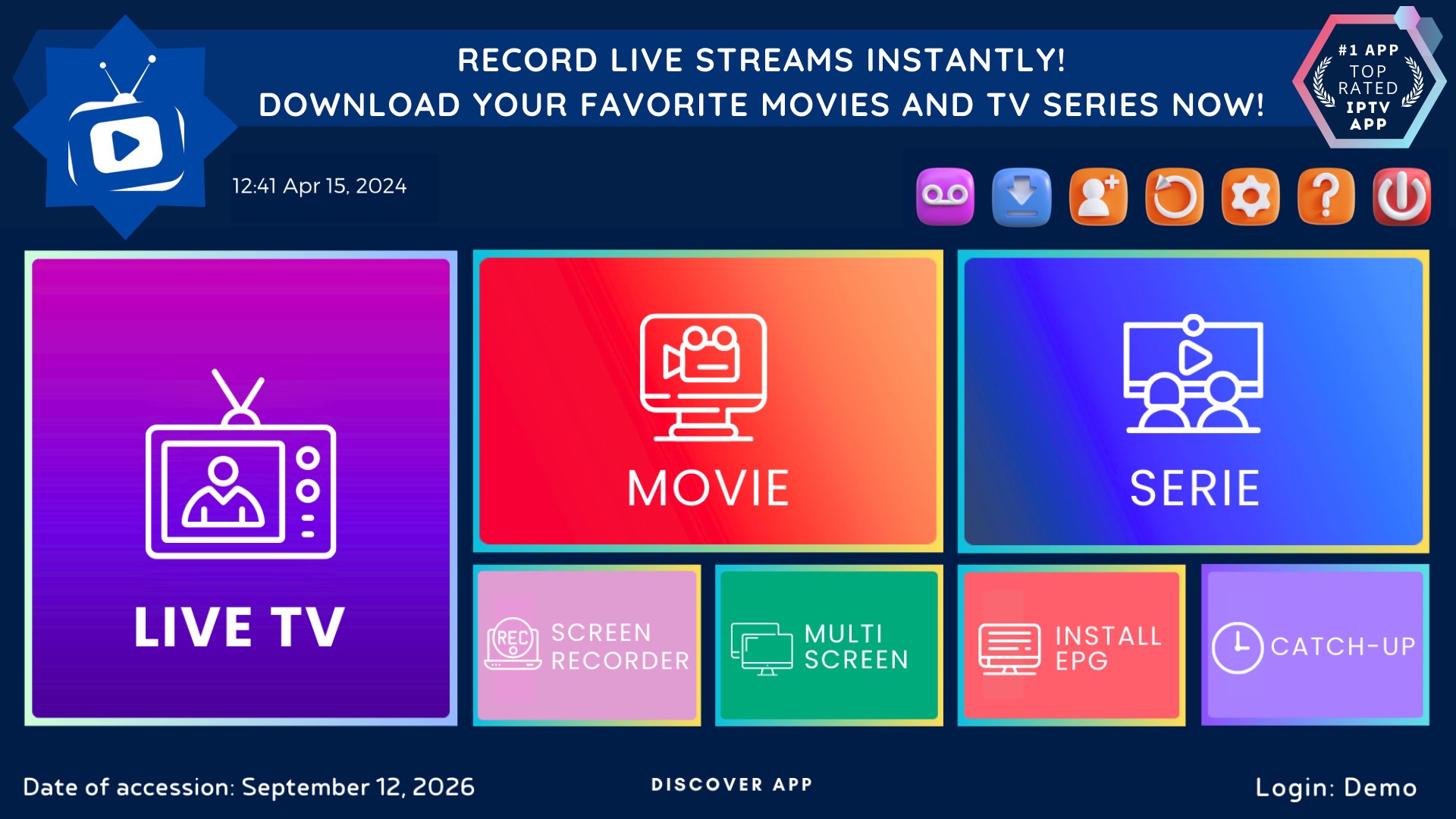

Why it’s great:
User-friendly interface
Supports Xtream Codes & M3U
EPG integration
Multi-screen option
Parental controls
Perfect for beginners and advanced users alike.
2️⃣ TiviMate – Best Premium Experience
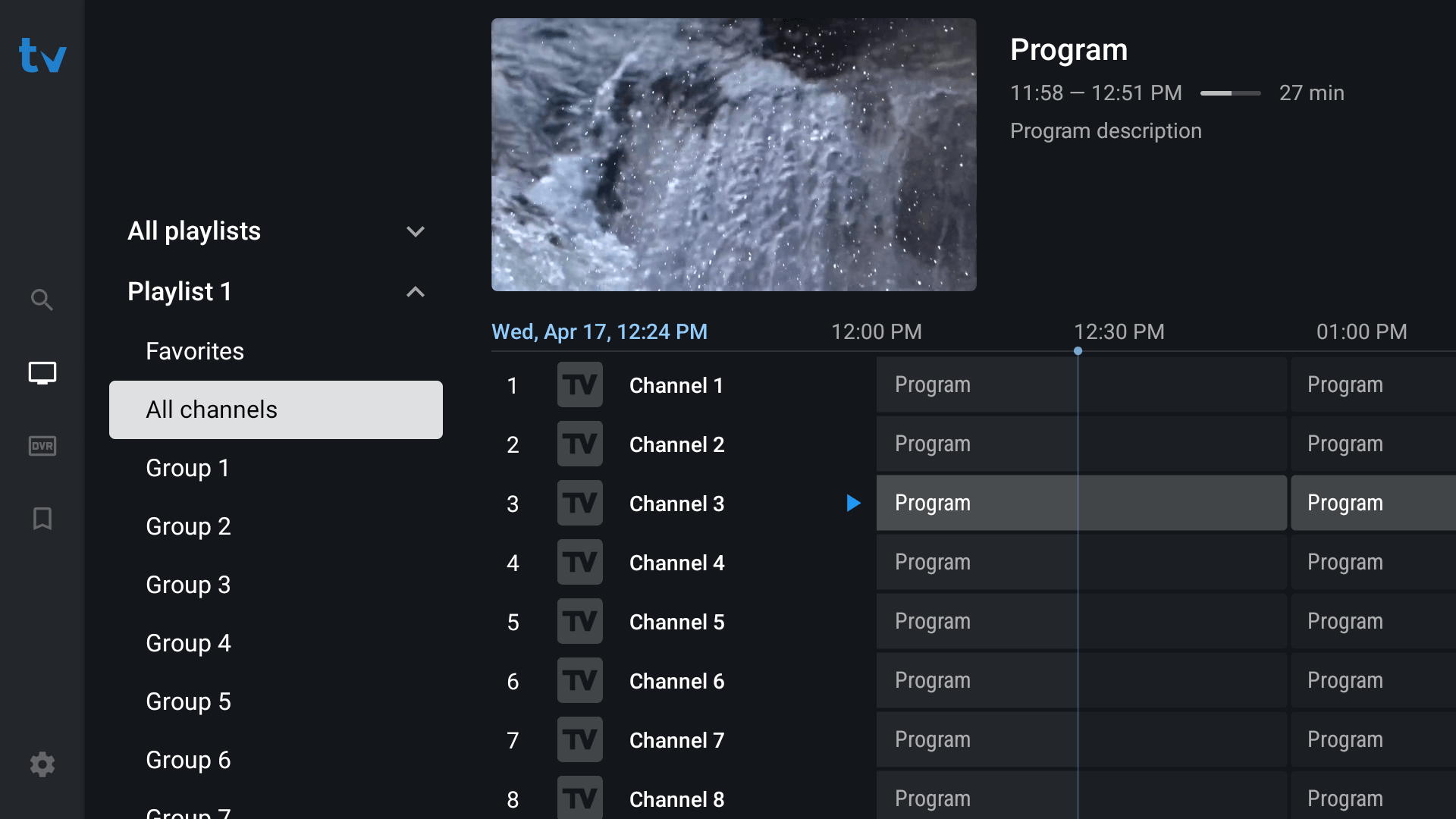
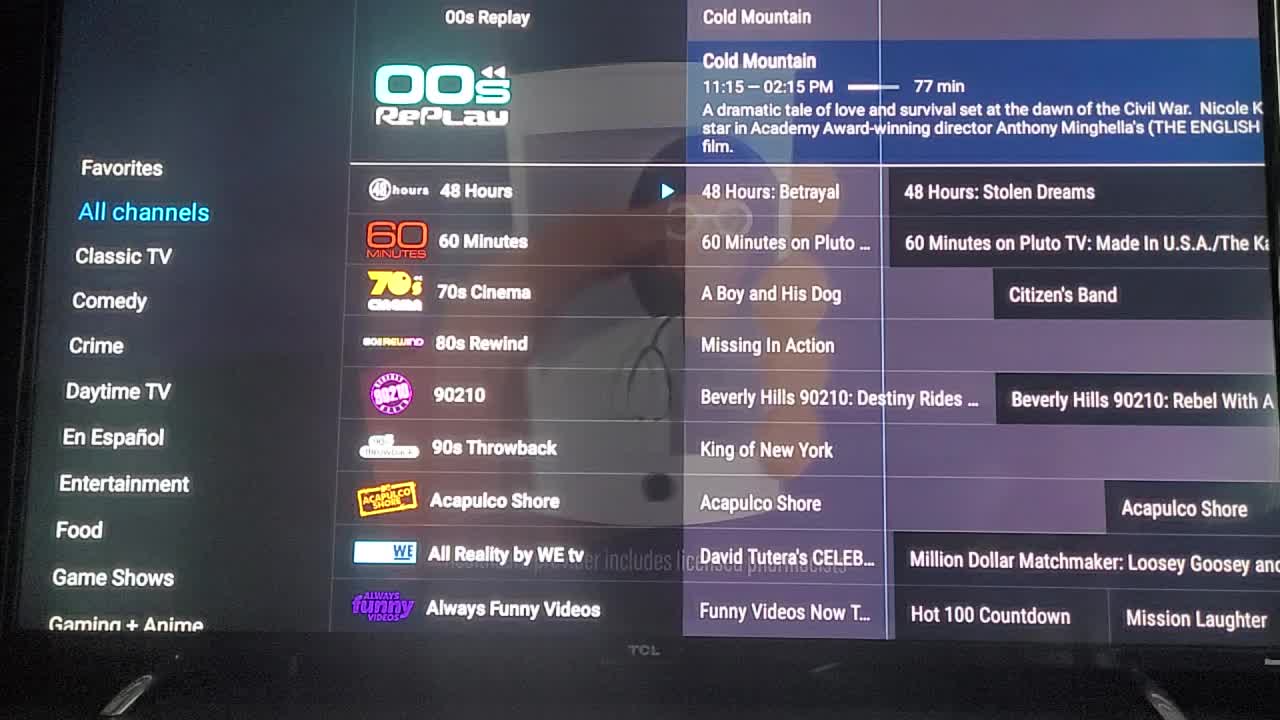

Top Features:
Modern TV-style interface
Advanced EPG
Catch-up TV
Multi-playlist support
Custom channel groups
Ideal for users who want a cable-like experience.
3️⃣ XCIPTV Player – Lightweight & Fast
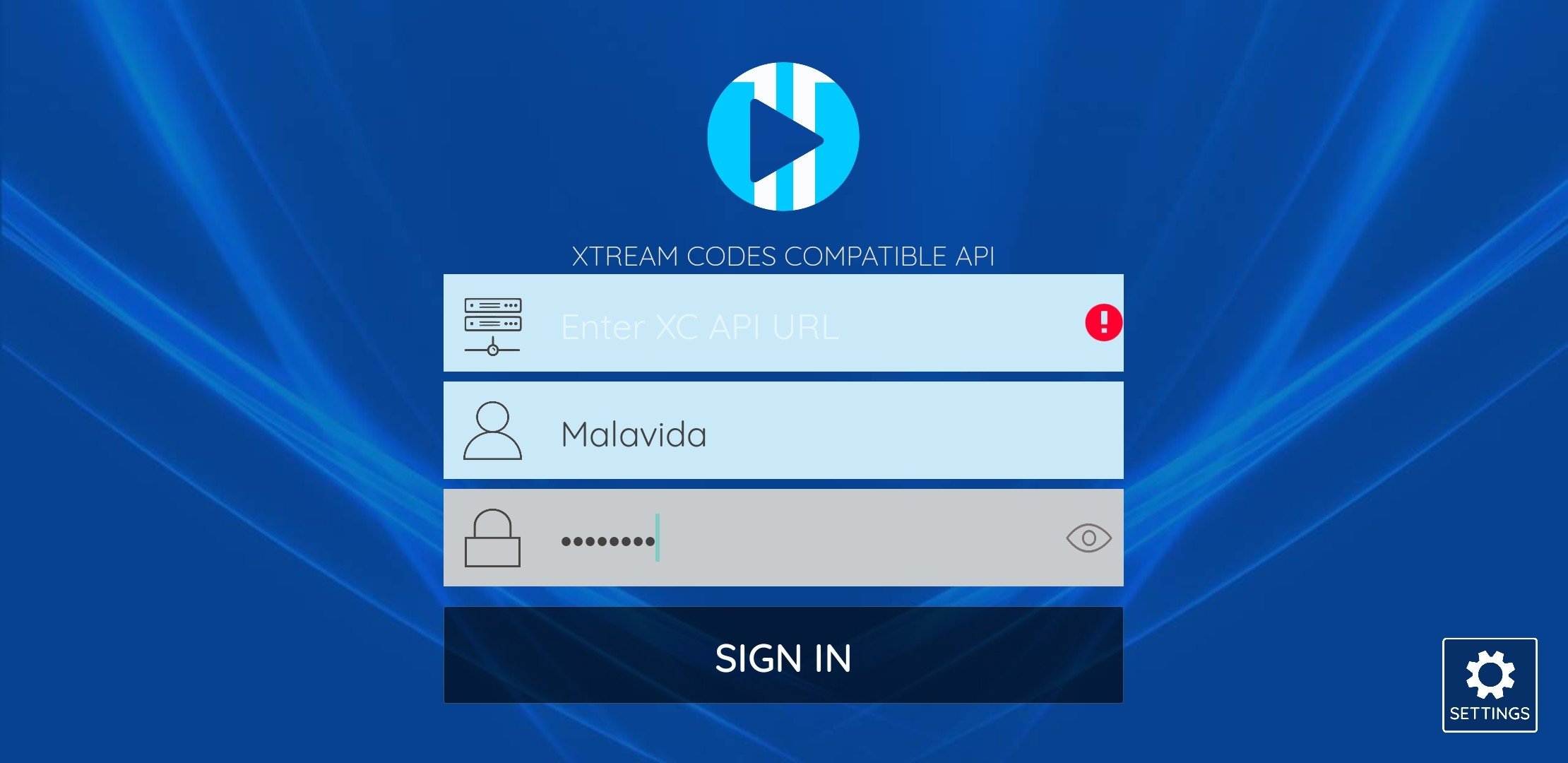
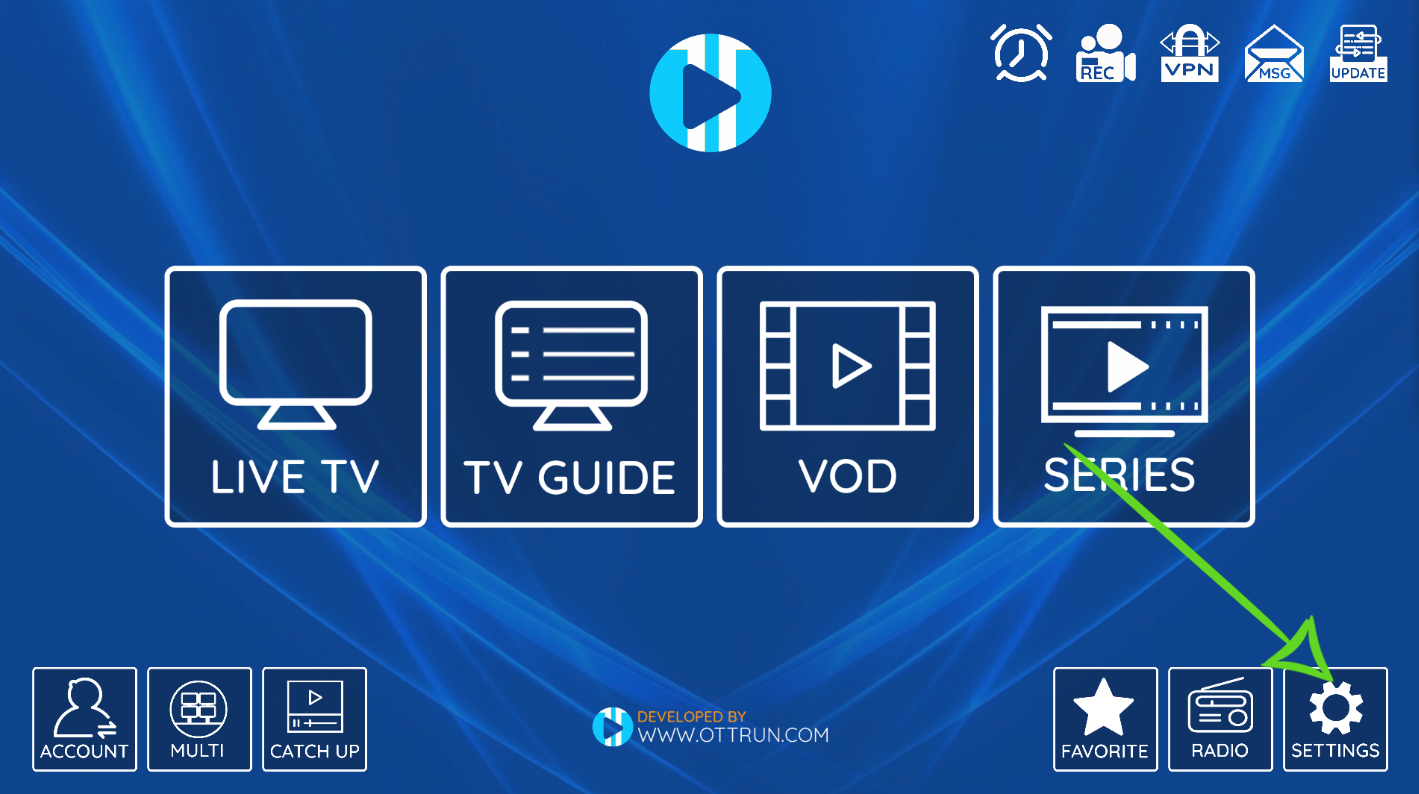
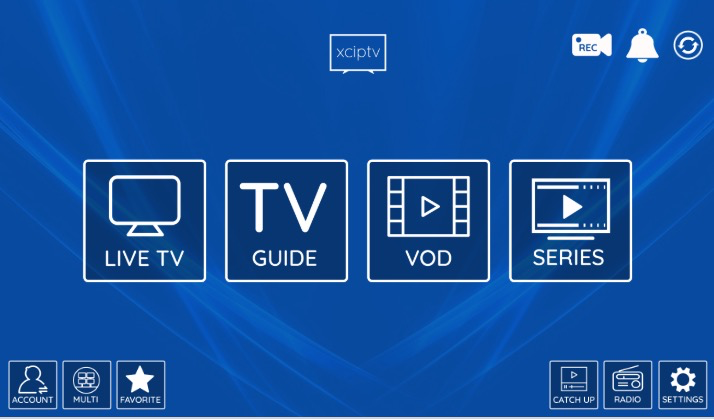
Why choose it:
Lightweight app
Fast channel loading
Built-in media player
Clean layout
Stable performance
Great for older Firestick models.
How to Install IPTV on Firestick (Step-by-Step)
Step 1: Enable Apps from Unknown Sources
Go to Settings
Select My Fire TV
Open Developer Options
Enable Install Unknown Apps
Step 2: Install Downloader App
Open Amazon App Store
Search for Downloader
Install it
Step 3: Download Your IPTV App
Open Downloader
Enter your IPTV app URL
Download & Install
Open the app
Step 4: Enter IPTV Login Details
You’ll receive one of these from your IPTV provider:
Xtream Codes API
M3U URL
Username & Password
Enter the details → Load channels → Start streaming.
Best Settings to Avoid Buffering
To get smooth streaming performance:
✔ Use 5GHz WiFi if available
✔ Keep Firestick updated
✔ Restart router weekly
✔ Close background apps
✔ Use Ethernet adapter (if possible)
✔ Choose appropriate streaming quality
If buffering continues, your internet speed should be at least:
15 Mbps for HD
25 Mbps for Full HD
40+ Mbps for 4K
How to Choose the Right IPTV Subscription
When selecting an IPTV service, look for:
Stable servers
Fast channel switching
EPG support
Multi-device compatibility
Responsive customer support
Free trial option
Avoid services that promise unrealistic claims like “never buffers” or “lifetime unlimited for $10.”
Quality matters.
IPTV + Firestick: Legal Reminder
IPTV technology itself is legal. However, always ensure you:
Use legitimate providers
Check content licensing in your region
Follow local regulations
For privacy protection, many users prefer using a VPN while streaming.
Frequently Asked Questions
❓ Can I use IPTV on all Firestick models?
Yes. IPTV works on Firestick Lite, Firestick 4K, and Fire TV Cube.
❓ Is IPTV better than cable?
IPTV offers more flexibility, global content, and often lower pricing.
❓ Do I need a smart TV?
No. Firestick turns any HDMI TV into a smart streaming device.
Final Thoughts – Is IPTV Worth It in 2026?
Absolutely.
With the right IPTV app and stable internet, Firestick delivers an incredible streaming experience. Whether you love sports, movies, or international channels, IPTV offers unmatched flexibility compared to traditional cable.
If you’re ready to upgrade your home entertainment, Firestick + IPTV is one of the smartest choices in 2026.
Choose Your Perfect Plan
Perfect for individual streamers who want to Set Up IPTV On MAG Box or any other device.
| Duration | Price | Features | Get Started |
|---|---|---|---|
| 24H Trial | $2 |
| Start Trial |
| 1 Month | $11 |
| Subscribe Now |
| 3 Months | $19 |
| Get Access |
| 6 Months | $39 |
| Choose Plan |
| 12 Months | $56 |
| Save More |
| 24 Months | $69 |
| Best Value |